
Poorly executed URL changes rank among the top causes of organic traffic drops, with some websites experiencing 30-50% traffic decreases following botched URL modifications. Recovery typically takes 3-6 months: and that’s under optimal circumstances.
Here’s the thing: most of these disasters are entirely preventable. Yet every year, we see companies make the same critical mistakes, often at the worst possible times.
This is the story of one such disaster: and the checklist that could have prevented it.
The Case Study: A Black Friday Nightmare
A mid-sized e-commerce retailer (let’s call them “TechGear Direct”) came to us in early December with a problem. Their organic traffic had cratered by 42% compared to the previous year’s holiday season. Black Friday sales from organic search were down by more than half.
The culprit? A “simple” URL restructure their development team had pushed live on November 15th: just ten days before the biggest shopping weekend of the year.
What happened:
The development team had restructured product URLs from a flat structure to a category-based hierarchy. A URL like /product-xyz-12345 became /electronics/audio/headphones/product-xyz-12345.
On paper, this made sense. In execution, it was catastrophic.
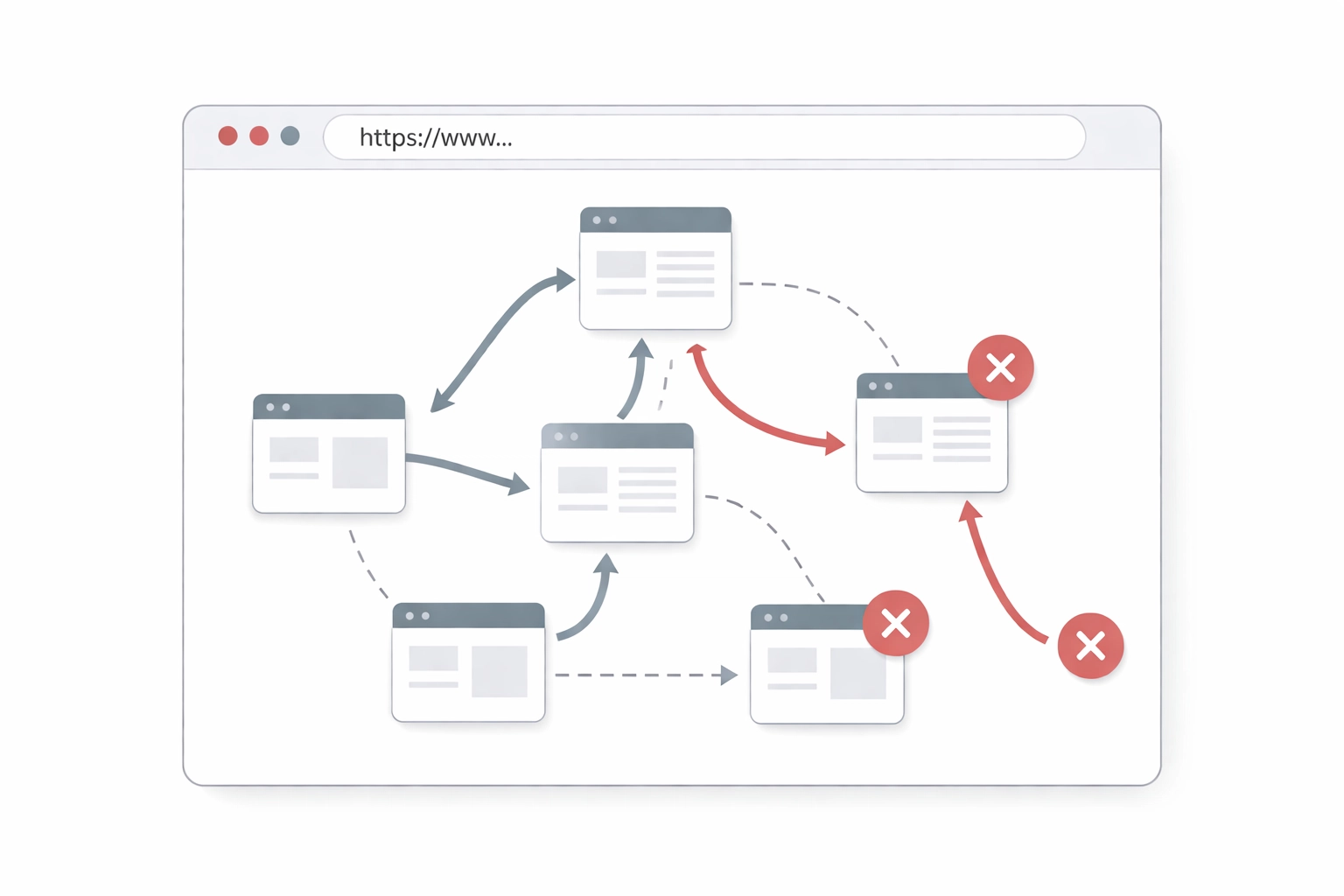
The damage:
- 1,247 product URLs changed without proper 301 redirects
- Redirect chains of 3-4 hops created for URLs that did get redirects
- Canonical tags still pointing to old URL structures
- Internal links across 89 category pages still pointing to old URLs
- XML sitemap not updated for 72 hours post-launch
By the time Google had re-crawled and attempted to make sense of the chaos, Black Friday was over. The site’s crawl budget was exhausted chasing dead ends, and their highest-converting pages had effectively vanished from search results.
The recovery: It took until mid-February: nearly three months: for organic traffic to return to pre-change levels. The estimated revenue loss exceeded $340,000.
The Seven URL Mistakes That Kill Organic Traffic
TechGear Direct’s situation wasn’t unique. Through our Forensic SEO Audit work, we’ve identified seven URL-related mistakes that consistently destroy organic performance.
1. Redirect Chain Accumulation
Every redirect in a chain bleeds PageRank and slows crawl efficiency. A single 301 redirect passes roughly 90-99% of link equity. Chain three redirects together, and you’re looking at significant signal loss: plus increased page load time that affects both user experience and rankings.
The fix: Audit existing redirects quarterly. Every redirect should go directly from origin to final destination. No intermediate stops.
2. Parameter Handling Chaos
Excessive dynamic parameters create crawlability nightmares. URLs like /products?color=red&size=large&sort=price&page=2 multiply exponentially, creating thousands of near-duplicate pages that fragment your crawl budget and dilute page authority.
The fix: Use Google Search Console’s URL Parameters tool. Implement canonical tags pointing to the parameter-free version. Consider server-side parameter handling for sorting and filtering.
3. Canonical Tag Conflicts
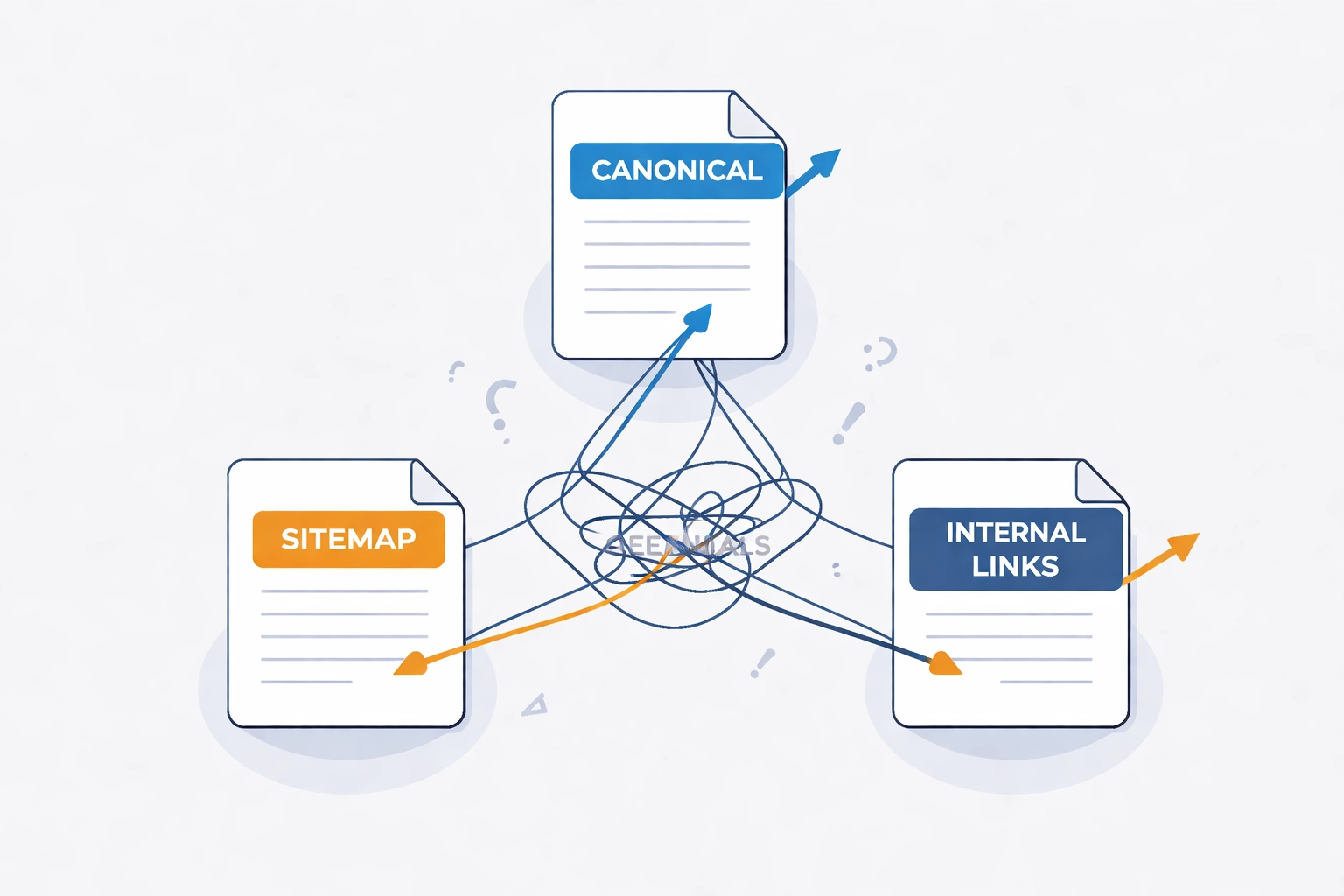
When your canonical tag points to URL A, but your sitemap lists URL B, and your internal links go to URL C, search engines receive conflicting signals. The result: Google picks whichever version it prefers, which may not be the one you want indexed.
The fix: Audit canonical tags, sitemap entries, and internal links as a unified system. They must all agree.
4. Internal Link Inconsistency
This was TechGear Direct’s secondary killer. Even with redirects in place, their internal links still pointed to old URLs. Every internal link through a redirect is a wasted crawl and a diluted signal.
The fix: Update internal links at the source. Redirects are a safety net, not a long-term solution.
5. Robots.txt and Noindex Conflicts
We’ve seen sites accidentally block their most valuable pages via robots.txt during a migration, or leave noindex tags on staging URLs that get pushed to production. These mistakes can de-index hundreds of pages within days.
The fix: Implement pre-launch checks that specifically verify robots.txt rules and meta robots tags on all affected URLs.
6. Faceted Navigation Explosions
E-commerce sites with extensive filtering options can generate millions of URL combinations. Without proper handling, search engines waste crawl budget on low-value filter combinations while missing your core product pages.
The fix: Implement consistent canonicalization for faceted URLs. Use noindex on low-value filter combinations. Consider AJAX-based filtering that doesn’t generate new URLs.
7. Trailing Slash and Case Sensitivity Issues
Is /products/ the same page as /products? What about /Products/? To search engines, these can be three different URLs: each competing for rankings and splitting authority.
Research shows mixed-case URLs perform 15% worse in click-through rates, and multiple case variations create duplicate indexing issues that fragment your domain authority.
The fix: Enforce consistent URL formatting at the server level. Pick a standard (lowercase, trailing slash or not) and redirect all variations to the canonical version.
The Safe-Change Checklist
After recovering TechGear Direct’s traffic, we developed a comprehensive checklist that has since prevented similar disasters for dozens of clients. Here’s the framework we use in our Technical SEO engagements.
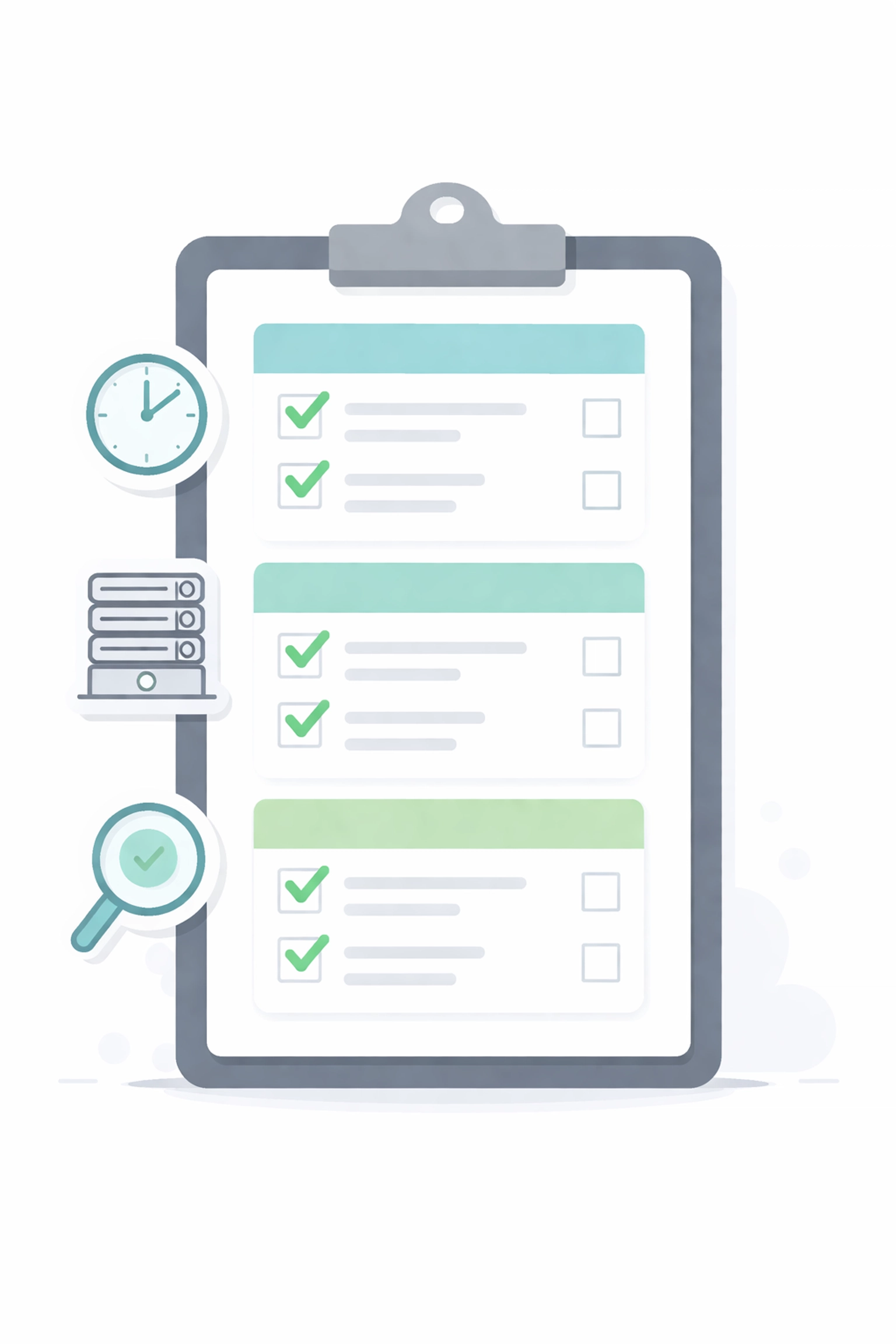
Phase 1: Pre-Launch (2-4 Weeks Before)
- Complete URL audit : Document every URL that will change, including current traffic, rankings, and backlink counts
- Prioritize by value : Focus intensive QA on pages generating 80% of organic traffic and conversions
- Map all redirects : Create a comprehensive redirect map (old URL → new URL) with no chains
- Audit internal links : Identify every internal link that will need updating
- Review canonical tags : Ensure all canonicals will point to correct new URLs
- Update XML sitemap : Prepare updated sitemap with new URL structure
- Check robots.txt : Verify no new URLs will be accidentally blocked
- Staging environment test : Crawl staging with Screaming Frog or similar to catch issues before launch
Phase 2: Launch Day
- Deploy redirects first : Redirects should be live before any URL changes go live
- Update sitemap immediately : Submit updated sitemap to Google Search Console within hours
- Request indexing : Manually request indexing for highest-priority pages
- Monitor server logs : Watch for 404 spikes and unexpected crawl patterns in real-time
- Verify redirect functionality : Spot-check at least 10% of redirects manually
Phase 3: Post-Launch Monitoring (3-6 Months)
- Daily GSC checks (Week 1-2) : Monitor Coverage report for indexing errors and crawl anomalies
- Weekly traffic comparison : Compare organic sessions YoY and WoW for affected pages
- Crawl budget monitoring : Track pages crawled per day in GSC; drops indicate problems
- Backlink audit : Verify external links are being redirected properly
- Ranking tracking : Monitor keyword positions for pages that changed URLs
- Log file analysis : If available, analyze Googlebot behavior for redirect loops or missed pages
When to Call for Backup
URL migrations are high-stakes operations. If your site generates significant revenue from organic search, the cost of getting it wrong far exceeds the cost of getting expert help.
Consider a professional SEO Audit before any major URL restructure if:
- More than 100 URLs will change
- The affected pages generate more than 20% of organic traffic
- You’re working within a tight timeline (less than 4 weeks)
- You’ve had migration problems in the past
- Your development team lacks SEO migration experience
The Bottom Line
TechGear Direct’s Black Friday disaster was preventable. Every URL migration disaster is preventable. The difference between a smooth transition and a traffic catastrophe comes down to planning, documentation, and systematic verification.
URL changes aren’t inherently dangerous: but treating them casually is. Build the checklist into your process, monitor relentlessly post-launch, and don’t hesitate to bring in specialists when the stakes are high.
Your organic traffic took years to build. Don’t let a “simple” URL change destroy it overnight.
Need help planning a URL migration or diagnosing a traffic drop? Our Forensic SEO team specializes in identifying technical issues that kill organic performance: and fixing them fast. Book a consultation to discuss your situation.





1 Comment