Last night, my phone rang at 9:47 PM. It was a former client: someone I hadn’t spoken to in nearly three years. We’d parted on good terms when his business pivoted and he no longer needed ongoing SEO support. But the panic in his voice told me this wasn’t a social call.
“Eric, I need help. My website is down, and I can’t log in. I don’t know who else to call.”
This is the phone call every business owner dreads making: and the exact scenario that could have been prevented with three simple decisions made years earlier.
The Investigation: Following Digital Breadcrumbs to Nowhere
My former client isn’t a technical person. He runs a successful B2B services company, and his expertise is in what he delivers to his clients: not server configurations or DNS settings. When I asked him basic troubleshooting questions, the answers were all variations of “I don’t know.”
Who’s your hosting company? Don’t know.
What email did you use to set up the account? The same one I’ve always used, but it’s not working.
Do you have any invoices or billing emails from your host? No.
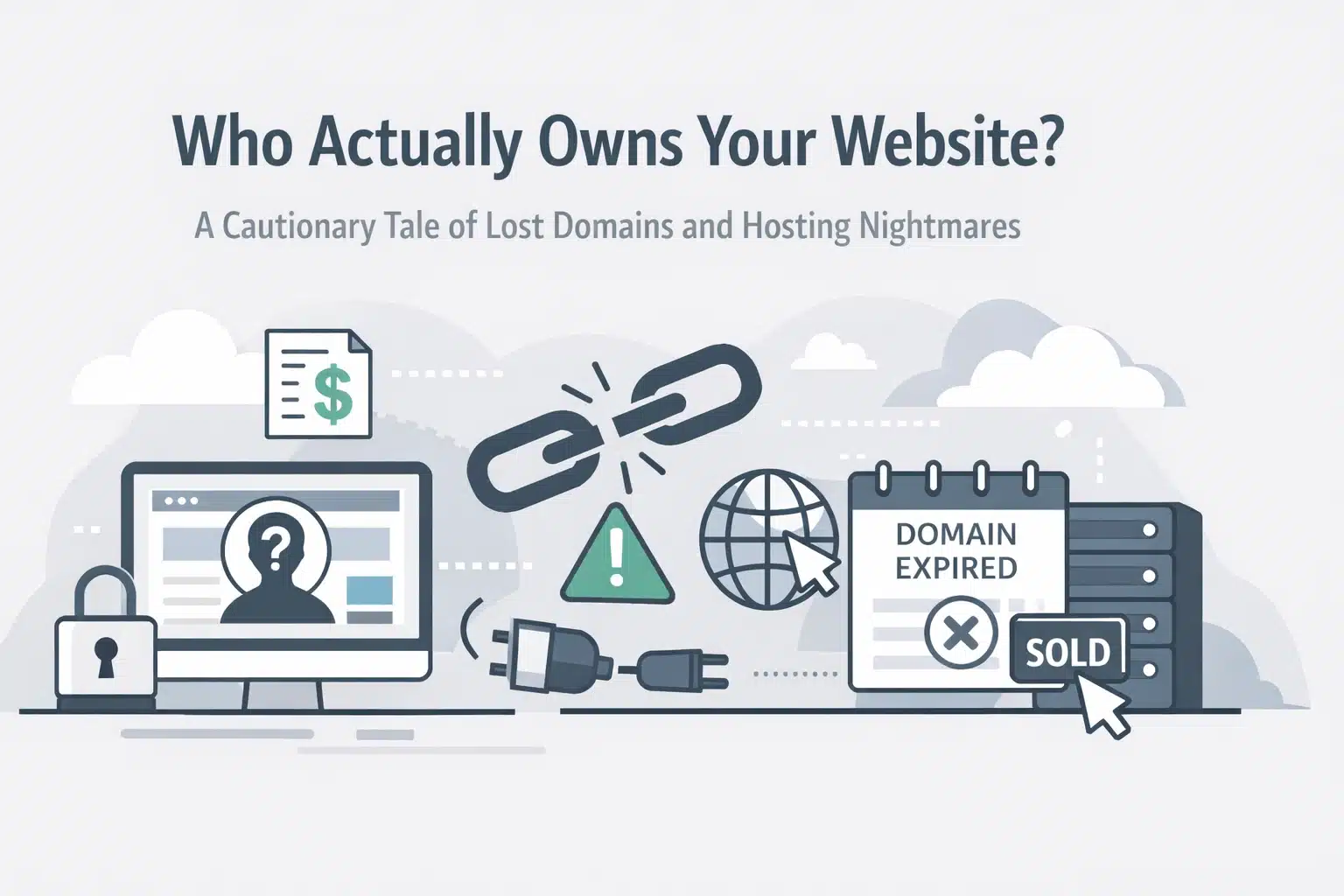
Here’s the thing: this isn’t unusual. According to domain ownership research, approximately 40% of small businesses don’t actually own their domain names: someone else registered them on the business owner’s behalf, creating a legal ownership nightmare that often goes unnoticed until disaster strikes.
I started where all forensic SEO investigations begin: with the facts I could verify independently. I pulled up the website’s IP address and traced it back to its origin. The IP block belonged to Digital Ocean: a popular cloud infrastructure provider that works extensively with agencies and developers through reseller partnerships.
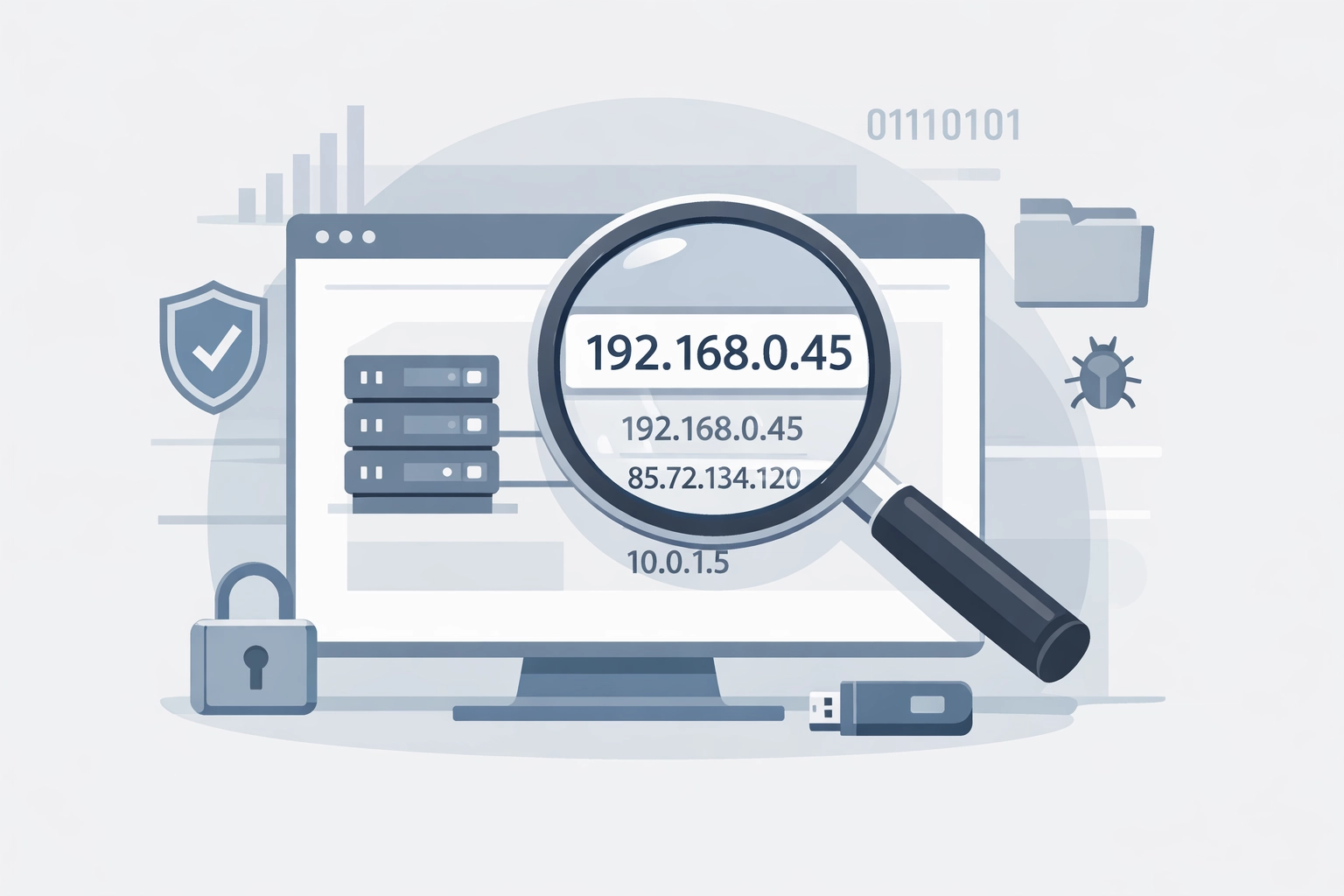
I called him back. “Your site was hosted at Digital Ocean. Do you have any emails or payment records from them?”
“No. I’ve never heard of them.”
And there it was: the smoking gun. The company that built his website years ago had set up hosting under their own Digital Ocean reseller account. They’d configured everything, managed the billing, and controlled all the access credentials. My client had been paying them a monthly fee that presumably covered hosting, but he’d never actually owned any of it.
Now that company was either out of business or unreachable, and my client couldn’t even remember their name.
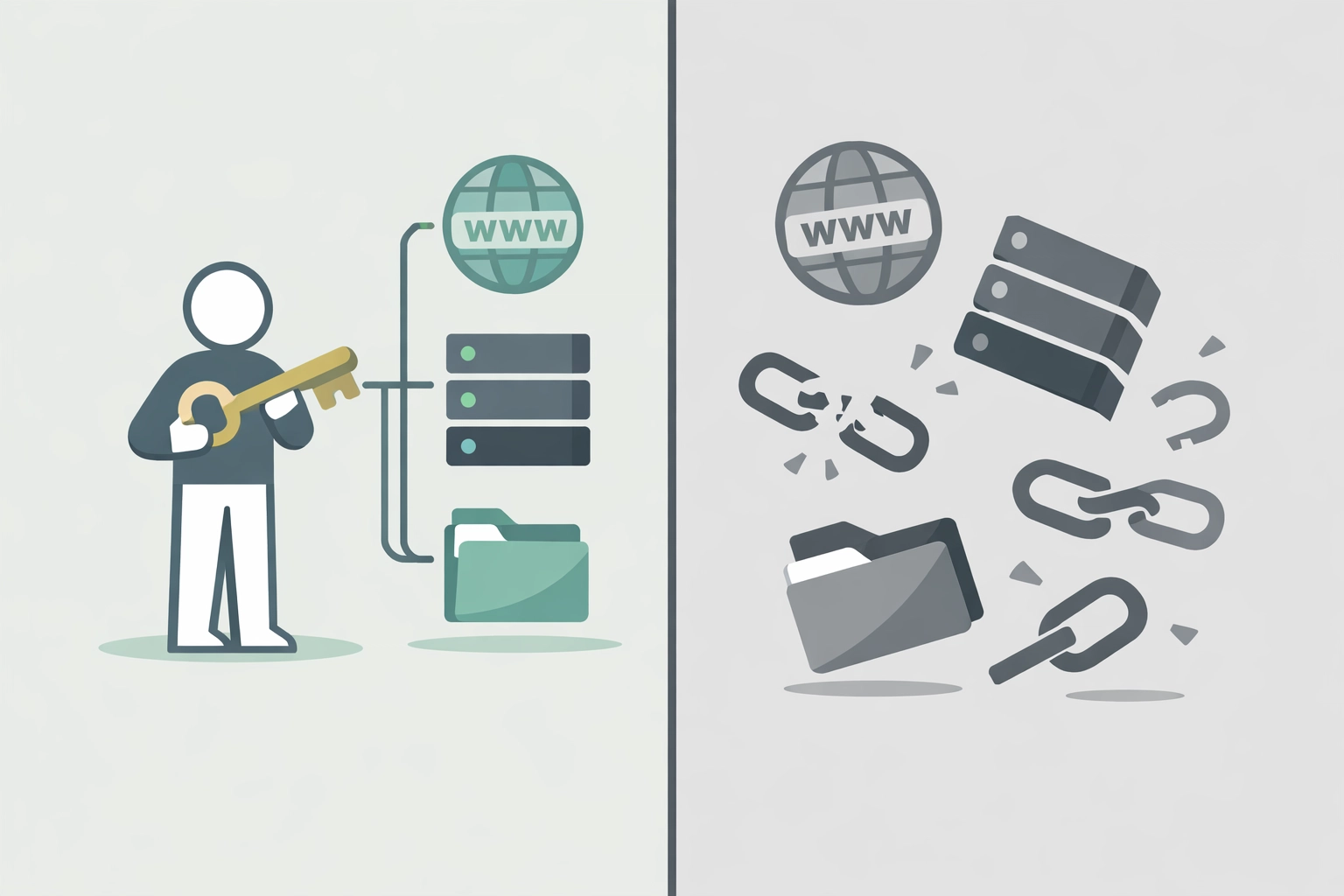
He was completely locked out of his own digital presence.
The Real Cost of Convenience
This scenario plays out more frequently than most business owners realize. You hire someone to “handle everything” because you’re focused on running your business, not learning web hosting terminology. The developer or agency registers your domain, sets up hosting, configures your Google Search Console, and hands you a finished website. It seems efficient.
Until it isn’t.
The WHOIS database: the public record of domain ownership: doesn’t care about your good intentions or verbal agreements. It records one thing: who registered the domain. If that person isn’t you, they own it, and you don’t. Full stop.
The same principle applies to hosting accounts, Google Search Console access, and every other administrative layer that keeps your website operational. If these accounts exist under someone else’s email address and credentials, you’re one disappeared contractor away from losing everything.
Some agencies hold domains hostage deliberately, demanding payment for “transfer fees” that shouldn’t exist. Others simply shut down without warning, taking their client access credentials with them. The result is the same: your business is offline, and you have no recourse.
Three Non-Negotiable Rules for Website Ownership
After two decades in this industry, I’ve helped dozens of businesses recover from variations of this exact situation. Every single case could have been prevented by following three straightforward rules at the project’s beginning.
Rule #1: Always Register Your Domain in Your Own Name
Never: and I mean never: allow anyone else to register your domain name for you. This is the single most important decision you’ll make about your digital presence.
Your domain registrar account should be set up with:
- Your business name as the registrant
- Your email address as the account contact
- Your payment method on file
- Your phone number for verification
Can you still hire someone to help you choose the domain, recommend a registrar, or even click the buttons during setup? Absolutely. But the account must be yours, with credentials only you control.
If you’re working with a web developer or agency, give them temporary access to your registrar account to configure DNS settings if needed: then change the password when the project is complete. This isn’t about distrust; it’s about maintaining control of your most critical business asset.
Rule #2: Set Up Google Search Console with an Email You Control 100%
Google Search Console (formerly called Webmaster Tools) is the authoritative record of your website’s relationship with Google. The email address that verifies ownership of your Search Console property has extraordinary power: it can add or remove other users, submit disavow files, request reconsideration after penalties, and even verify ownership changes.
If that email address belongs to your former web developer, they effectively control your site’s presence in Google’s index.
Set up your Search Console account using an email address that:
- You will never lose access to
- Isn’t tied to a specific employee who might leave
- Isn’t your developer’s or agency’s email
Consider using a dedicated admin email for your domain (like admin@yourbusiness.com) that’s accessible to key decision-makers in your organization. Then: and this is critical: never share the password. You can add other users as collaborators with appropriate permission levels without compromising primary account security.
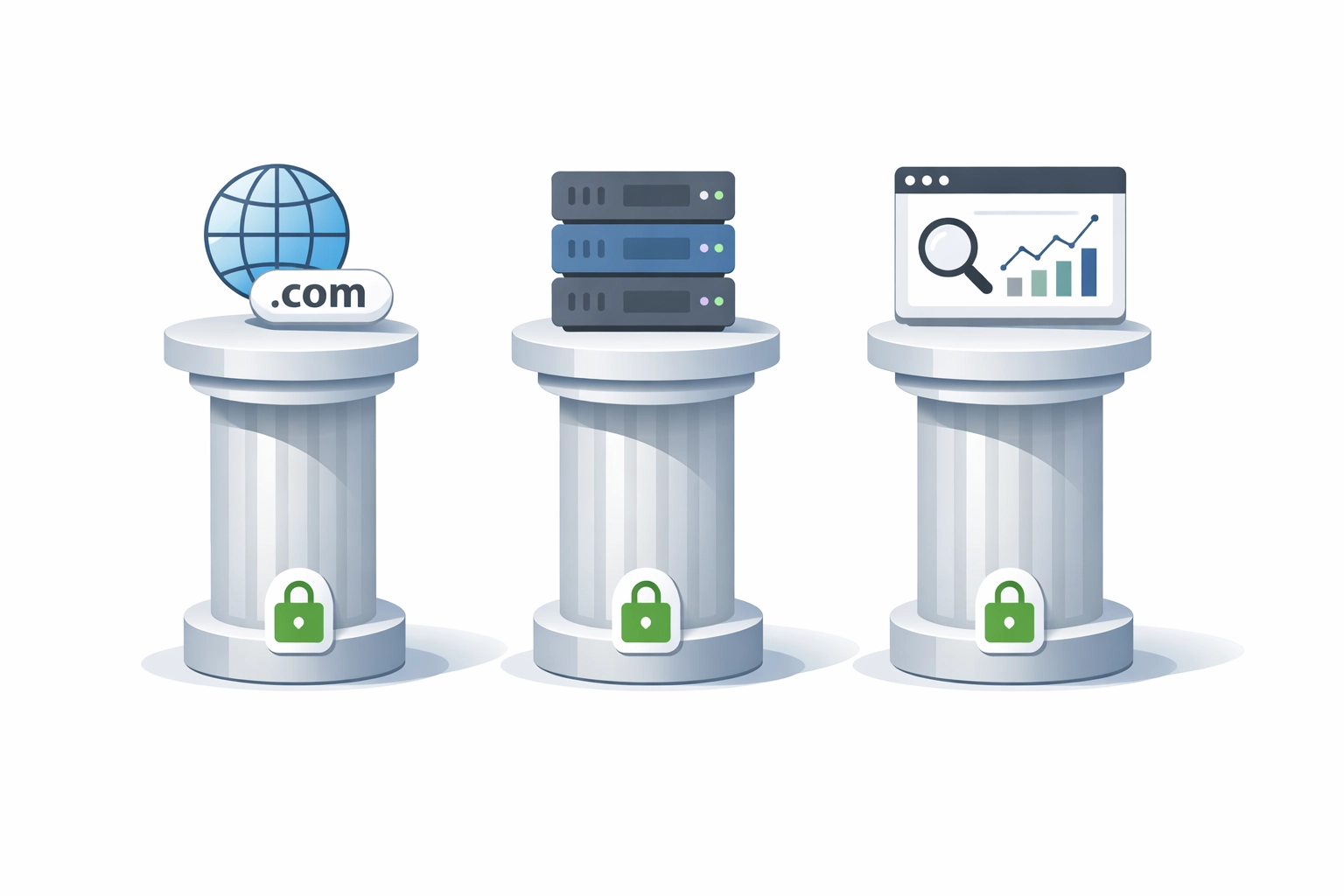
Rule #3: Set Up Your Hosting Account in Your Name
This is where my former client’s situation fell apart. His website was hosted on someone else’s Digital Ocean reseller account, and when that relationship ended, he had no independent way to access his own files, databases, or server configurations.
Your hosting account should be established with:
- Your business name on the billing
- Your email address as the primary contact
- Your credit card or payment method
- Your phone number for support verification
Notice I’m not saying you have to manage the hosting yourself. You can: and probably should: hire technical professionals to handle server configuration, security updates, backups, and performance optimization. But they should access your account with credentials you’ve granted them, not the other way around.
When the project ends or you switch service providers, you simply revoke their access. Your site stays online, your data remains accessible, and you maintain continuity.
The Prevention Checklist: Do This Before You Build
If you’re planning a new website or redesigning an existing one, have this conversation with your developer or agency before any work begins:
✓ “I will register the domain myself. Can you recommend a registrar and help me with DNS configuration?”
✓ “I will set up the hosting account in my company’s name. What provider do you recommend, and what access level will you need?”
✓ “I will create the Google Search Console property. Can I add you as a user with the permissions you need?”
A professional developer or agency will not only accept these terms: they’ll respect you for asking. Anyone who pushes back or insists they “need” to control these assets is waving a red flag the size of a billboard.
What to Do If You’re Already in Trouble
If you’re reading this and realizing you don’t actually control your domain, hosting, or Search Console, here’s your action plan:
For domains: Run a WHOIS lookup on your domain immediately. If someone else is listed as the registrant, contact them and request an immediate transfer. Document everything in writing. If they refuse or are unreachable, you may need to pursue ICANN’s Uniform Domain-Name Dispute-Resolution Policy (UDRP), but this is expensive and time-consuming.
For hosting: Check your email for any hosting invoices or welcome messages that indicate who your provider is. If you find nothing, we can help with forensic SEO analysis to trace your site’s infrastructure and identify recovery options.
For Search Console: If you still have access to your website’s backend, you can verify ownership using alternative methods (HTML file upload, DNS verification, or Google Analytics). This establishes a new property you control independently.
The Ending That Didn’t Have to Happen
My former client is still working through his situation. We identified the Digital Ocean connection, and he’s now trying to contact them to see if they can trace the historical ownership of that IP address and provide contact information for the reseller account.
It’s a long shot. Even if Digital Ocean cooperates (and they have no legal obligation to), there’s no guarantee the original agency is still in business or that they’ll cooperate with a transfer.
In the meantime, his business website has been dark for three days. He’s losing leads, damaging his professional credibility, and scrambling to explain to potential clients why his digital presence has evaporated.
None of this had to happen.
The time to establish ownership of your digital assets is at the very beginning: not when everything’s already on fire. These three rules aren’t complicated. They don’t require technical expertise. They just require you to ask the right questions and maintain control of your own accounts.
Because when something goes wrong at 9:47 PM on a Tuesday night, you need to be able to fix it: not spend days trying to track down someone who may no longer exist.
Take Control Now
If you’re unsure who owns your domain, hosting, or Search Console property: or if you’re planning a new website and want to ensure you maintain ownership from day one: we can help. Expert SEO Consulting provides comprehensive audits that verify ownership and identify vulnerabilities in your digital infrastructure.
Don’t wait until you’re locked out of your own website to discover you never actually owned it in the first place.
Book a consultation to audit your website ownership and ensure you control your most important business asset.